
Workshop practice
Watch Repair Intake Checklist
A good intake record starts before the case is opened. It identifies what was handed over, what the customer reported and what should happen next. That matters just as much when you receive a watch away from your computer as it does at the workshop counter.
Receiving a watch away from the desk?
Print one record per watch and transfer the notes to the job record afterwards.
Two A4 pages: intake receipt and condition checklist. Designed for handwriting and low-ink printing. Use “Fit to page” when printing on US Letter paper.
1. Give the watch a job number
Use the same identifier on the paper record, the watch tag and any bag or tray containing its parts or accessories. Record the date and who received it. If you do not yet have a job number, use a temporary reference and keep it when you transfer the record.
2. Record the customer and watch details
Take a name and a reliable contact method. Note the brand, model or reference and any visible identifying numbers. Do not guess a calibre or serial number that you cannot verify at intake. Describe the strap or bracelet so the complete item is recognisable.
3. Write down the request in the customer’s words
“Stops overnight” and “please replace the mainspring” are different statements: one describes a symptom, the other asks for particular work. Record what the customer says without turning it into a confirmed diagnosis. Note intermittent behaviour and any relevant circumstances they describe.
4. Note the visible condition and accessories
Record visible marks, damage, missing parts and anything you have not checked. Describe what you can observe rather than promising a complete inspection at the counter. Record whether the watch is running, not running or not checked.
List spare links, boxes, papers and other items, including quantities where useful. Take an overall photograph and closer views of visible damage. Our watch repair photography guide covers a practical set of views.

5. Agree the next step, not an unexamined repair
Make it clear whether the next step is an assessment, an estimate or a follow-up call. Note any agreed contact date without presenting it as a promised completion date. The printable sheet records receipt; it is not a repair authorisation. Keep the proposed work, charges and customer approval separately in the estimate and approval record.
6. Transfer the record while it is still fresh
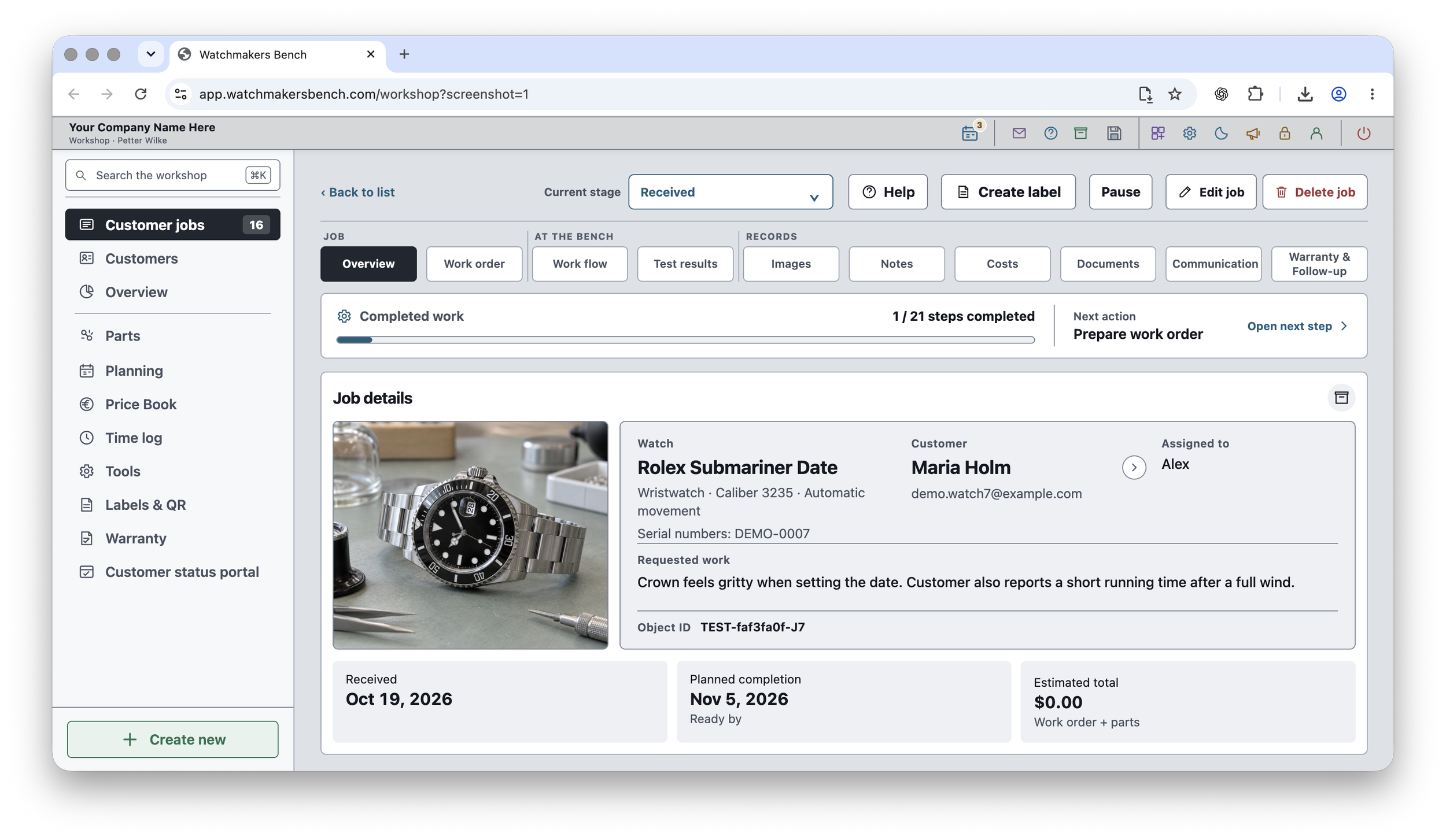
When you return to the computer, create or update the job, attach the intake photographs and reconcile the job number with the physical tag. Check names and contact details rather than relying on memory. Keep paper forms containing customer information in a secure place according to your workshop’s record-handling procedure.
- Job number, receipt date and staff member.
- Customer name and contact method.
- Watch identification and strap or bracelet details.
- Reported problem and requested work.
- Visible condition, running state and accessories.
- Photographs taken or still required.
- Next action and any agreed contact date.
Download the printable checklist, or continue with the intake-to-handover workflow guide.