
Features
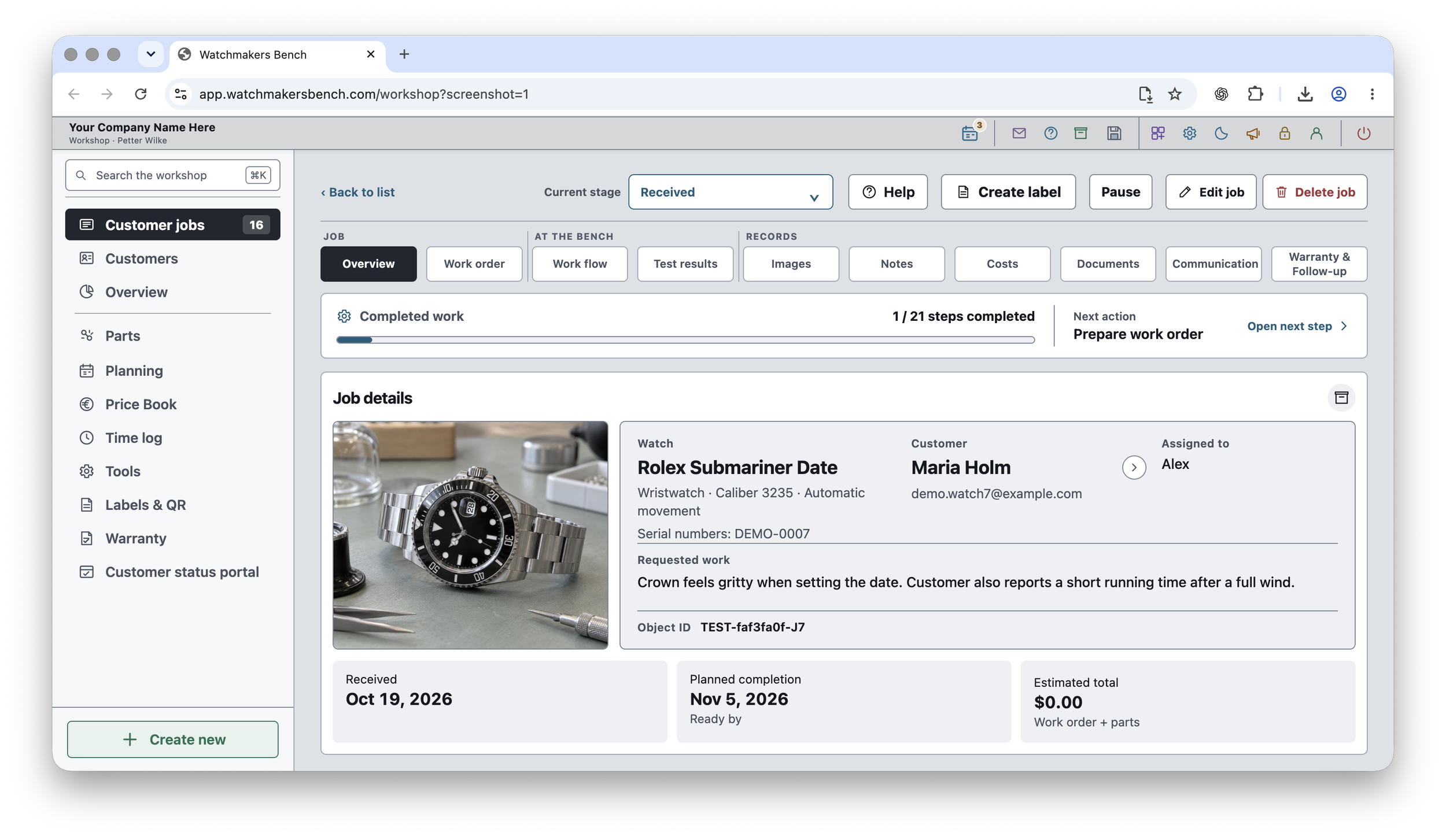
Watchmakers Bench manages customer repairs, personal restoration projects, parts and service documentation. Compare the features of the browser app and the native macOS and iOS apps below.
Watchmakers Bench Studio — web app
A connected workspace for customer repairs, your own projects, parts and planning. Choose the modules you need, keep each repair’s history close at hand, and save your encrypted workshop in a folder you control.
For desktop Chrome or Edge on Windows and macOS.
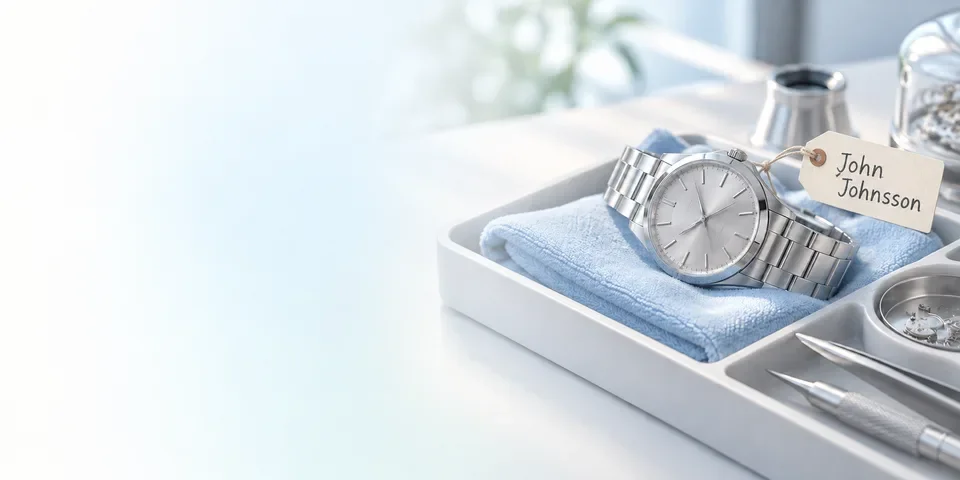
Intake
Capture the customer’s request, the identifying details and the condition at intake.
Service documentation
Follow service steps, record measurements and add the parts, notes and photographs that explain the repair.
Handover
Review the result, prepare the documents and keep handover and follow-up details with the job.
Web app modules
Show the tools you use and hide the ones you do not. FREE includes four modules and up to three active jobs across your account. PRO includes all ten core modules and unlimited active jobs.
Customer jobs
Keep customer details, watch information, requested work, approvals, photographs and service history in each repair record.
FREE & PRO
Personal jobs
Follow restoration projects for watches you own. Record expenses and photographs separately from customer repairs.
FREE & PRO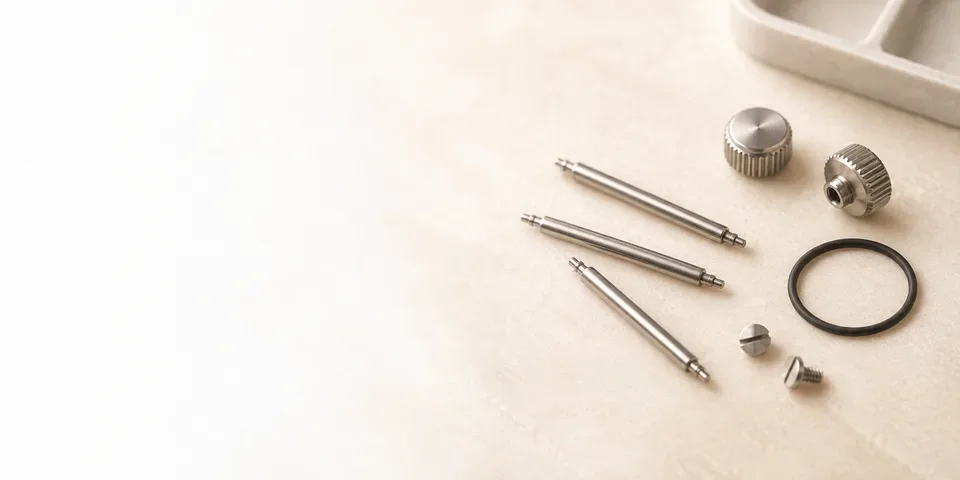
Parts
Record stock quantities, storage locations, suppliers and compatible calibres. Review stock history to see when quantities changed.
FREE & PRO
Labels & QR Codes
Print labels for jobs, parts and tools, with optional QR codes linking to the matching workshop record.
FREE & PRO
Schedule & Planning
Plan ready-by dates, customer follow-ups and workshop tasks in one calendar. Open the connected repair when you need the details behind a date.
PRO
Price Book
Save service descriptions and prices for use in estimates. Adjust them for the work required on each repair.
PRO
Time Tracking
Record time spent on jobs and general workshop tasks, independently of the price quoted to the customer.
PRO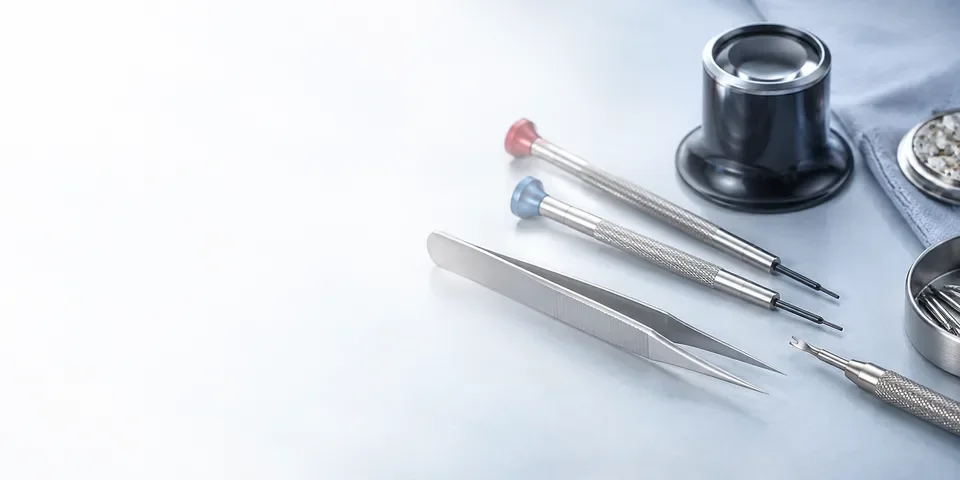
Tools & Equipment
Keep your equipment register close to the work. Store tool details, maintenance and calibration history, and see when the next service needs attention.
PRO
Warranty & Follow-up
Keep warranty periods and follow-up dates attached to completed repair records.
PRO
Customization
Change the names of supported menus, job tabs and buttons to match the terminology used in your workshop.
PROService records
A useful service record explains what you found, what you changed and how the watch performed afterwards.
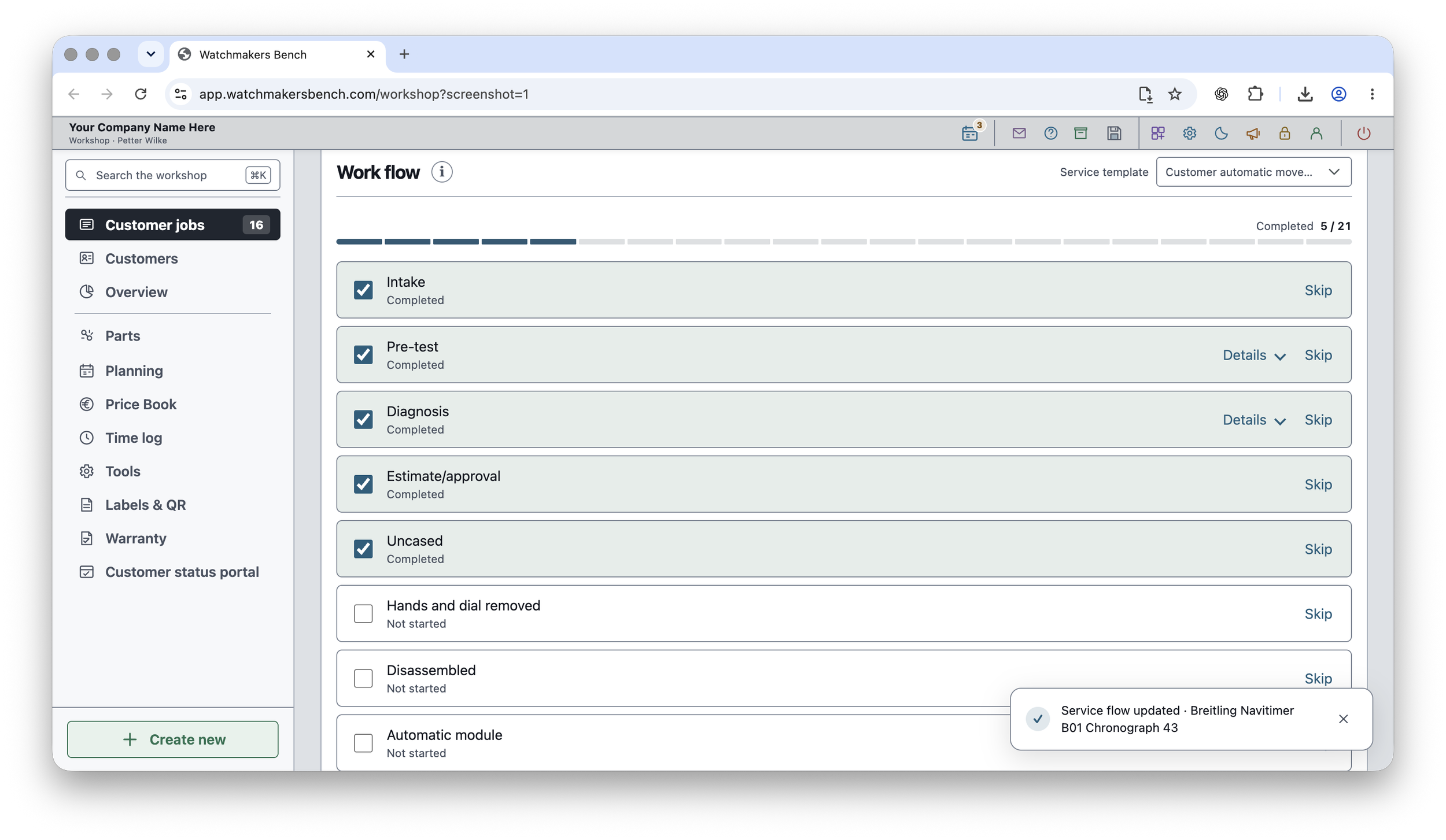
Service checklists
Choose from several built-in service templates or create your own checklist. Keep completed and remaining work visible together, with steps that suit the repair rather than a rigid one-size-fits-all process.
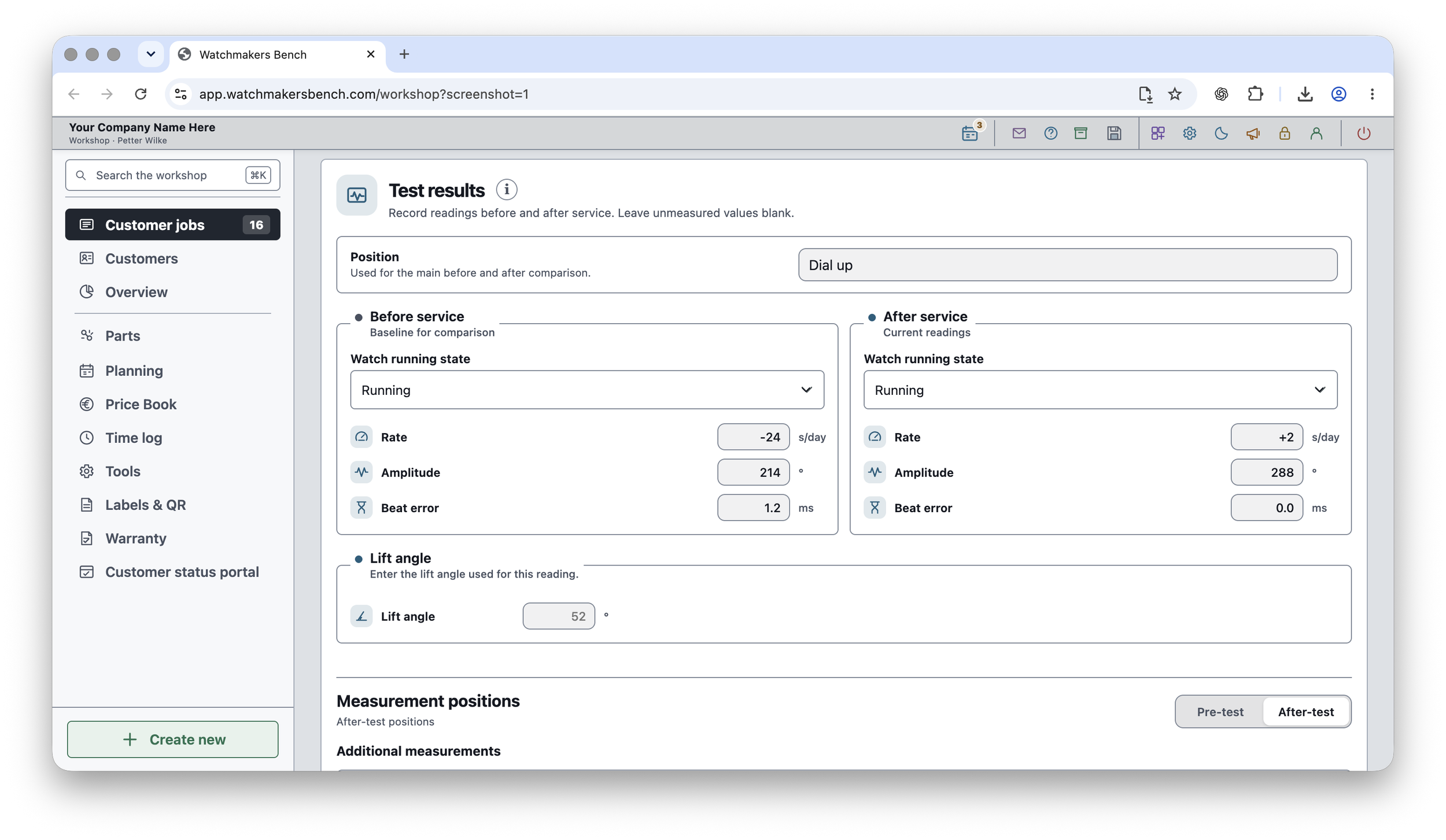
Before-and-after measurements
Compare rate, amplitude and beat error before and after service. Keep those readings with the photographs and notes that show what changed, ready for your next review or the customer’s next visit.
Encrypted workshop storage
Your workshop records and original attachments are encrypted and saved in the folder you choose. Keep it on your computer, or use a compatible folder managed by iCloud Drive, OneDrive or another file service you trust.
Your account password and workshop passphrase are separate. We cannot recover a forgotten workshop passphrase, so keep it safe and maintain independent backups.
A cloud-synced folder is file synchronisation, not a promise of simultaneous editing or automatic conflict resolution. Account access and online services require an internet connection.
Watchmakers Bench for macOS & iOS
The native Mac and iPhone apps have separate workspaces for customer repairs and restoration projects. Records are stored locally on each device, with manual tools for transferring and backing up data.
Separate apps and purchase arrangements from the browser edition.
Customer Service and Restoration & Sales
Customer Service handles customer-owned watches. Restoration & Sales handles watches you own, including purchases, restoration costs and sales.
Customer Service
Keep customer-owned watches in their own workflow, with intake, approval, work orders, service documentation, customer communication and handover.
Restoration & Sales
Follow watches you own from purchase through restoration and sale. Keep purchase costs, parts, fees, sale details, profit and ROI with the item.
Service steps and measurements
Use service steps, notes, photos and Timegrapher readings to document the repair. Bench mode on iPhone gives the checklist more room while you work.
Nearby Transfer
Move selected jobs, items, customers or parts directly between nearby Apple devices. Confirm the connection and review incoming information before accepting it.
Today’s Work
Carry the day’s new and changed records to another device without replacing its whole library. This is a transfer you start yourself, not automatic sync.
Reports & library backups
Create readable PDF reports or CSV exports, and use complete library files for backup and restore. Choose the file you need and where it is saved.
The Apple apps store their own local libraries. Nearby Transfer, Today’s Work and complete library files let you move or protect information deliberately; they do not automatically synchronise the web app or all your devices.
Complete library import replaces the receiving library. Review the selected file and keep a backup before restoring.
Compare the editions
Choose the browser app if…
- You work on a Windows PC or Mac in desktop Chrome or Edge.
- You want a modular workspace and an encrypted workshop folder you choose yourself.
- You want customer jobs, personal projects and workshop tools in one browser-based workspace.
Choose macOS & iOS if…
- You prefer installed apps on your Mac and iPhone.
- You want separate Customer Service and Restoration & Sales workspaces.
- You want to move selected work between Apple devices using the native transfer tools.
The browser app and Apple apps are separate products. Do not assume a shared subscription, automatic data synchronisation or identical feature availability between editions.