
Workshop practice
Watch Repair Estimates and Customer Approval
A customer agrees to a service. During dismantling, you find a damaged part that was not included in the estimate. The important question is no longer just what the repair will cost: it is what the customer has actually agreed to. A clear estimate and a record of the reply make that easier to answer.

1. Start with the watch and the reported problem
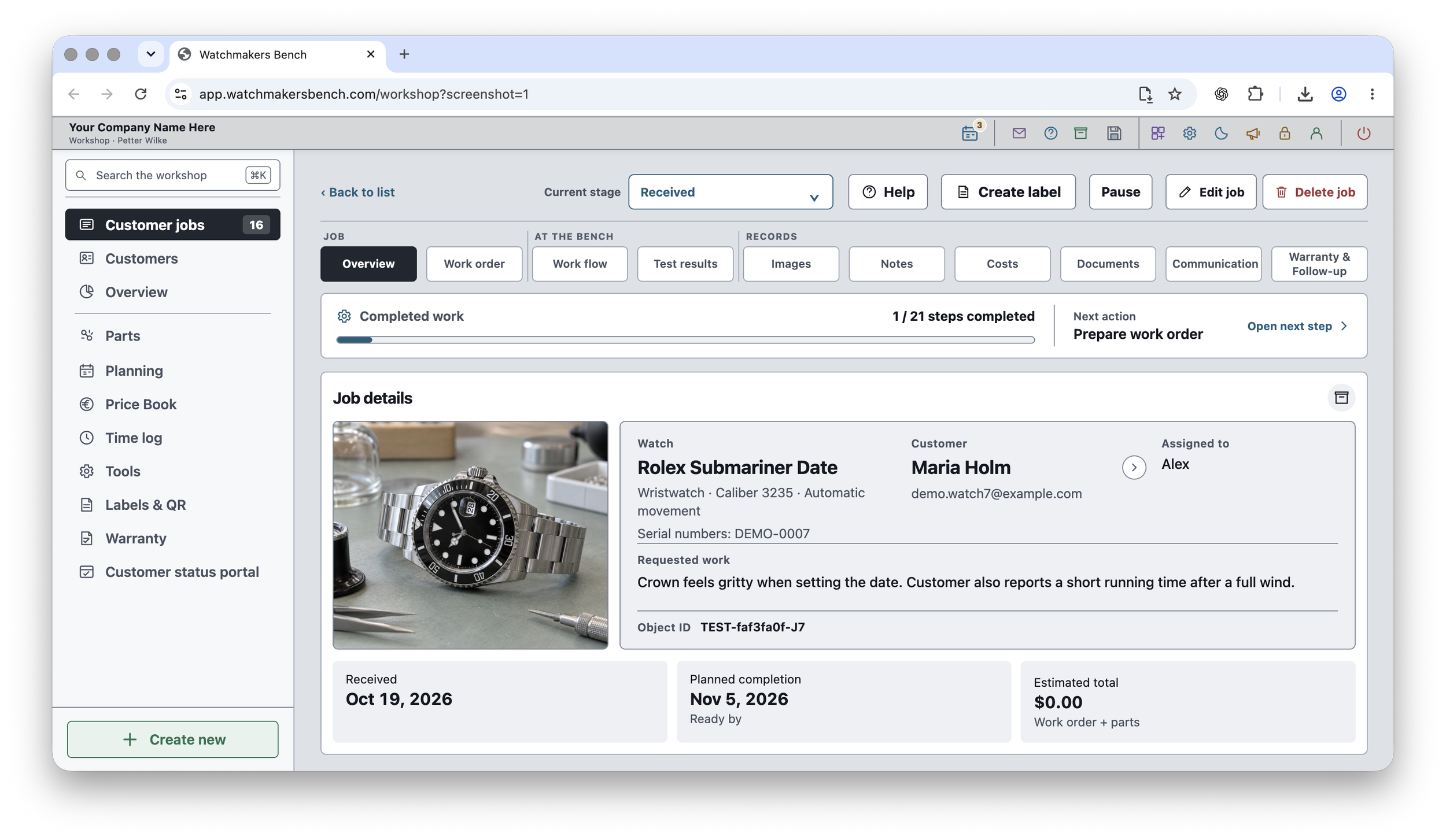
Identify the watch and its job number before describing the work. Keep the customer’s account separate from your findings. “Stops after a few hours” is a reported symptom; it does not, on its own, establish which part needs replacing.
Note what you have inspected and what remains uncertain. If further assessment is needed before you can price the repair, explain that rather than presenting an early figure as a complete diagnosis.
2. Describe the work, not just the total
List the proposed work in plain language. Explain which parts and checks are included, and distinguish necessary work from optional work such as cosmetic refinishing. Make the total and currency clear, together with any charges or exclusions that affect what the customer will pay.
State whether the amount is an estimate or a fixed quotation. If the price or completion date depends on parts availability or further inspection, make that uncertainty visible before asking for approval.
3. Ask for a decision on a specific version
Send the customer a readable summary and keep the exact version you sent with the job. Avoid a request such as “Shall we go ahead?” if there have been several different prices or scopes of work in the conversation.
A clearer request identifies the work and amount: “Please confirm whether you approve the service and replacement crown described in estimate 2, dated 16 November, for the stated total.” This is example wording, not a substitute for your workshop’s terms.
4. Record the reply before starting the agreed work
Keep the response, its date and the estimate it refers to together. A message sent is not an approval received. If the customer approves only part of the work, record that distinction rather than treating the entire estimate as accepted.
Watchmakers Bench Studio’s Customer Portal lets customers view shared repair updates and estimates and respond to an approval request. Customer Portal is included in PRO. Check the recorded response against the estimate you published; later changes should not be assumed to be covered by an earlier approval.
5. Keep changes separate from the original approval
If additional work is needed, explain what changed, the revised cost and any effect on timing. Obtain a new decision for that extra work and retain the earlier record. At handover, the final account should be easy to compare with what was agreed.
Before you send an estimate
- Correct watch, customer and job number.
- Clear scope, with optional work identified separately.
- Total, currency and relevant charges or exclusions.
- Any uncertainty about parts, price or completion date.
- A dated version and an unambiguous request for approval.
- A place to retain the customer’s reply alongside that version.
For the wider process, read how to track a watch repair from intake to handover. You can also explore Watchmakers Bench Studio’s features or compare Free and Pro.